You can set up a fully functional [development environment in a Docker container](https://code.visualstudio.com/docs/remote/containers). The containerized development environment includes all the necessary tools and dependencies needed to develop content in the [demisto/content](https://github.com/demisto/content) repository.
**Requirements**
The following must be installed on the host machine as described in [System Requirements](https://code.visualstudio.com/docs/devcontainers/containers#_system-requirements).
* [Docker](https://www.docker.com/get-started)
* [Visual Studio Code](https://code.visualstudio.com/)
* [Dev Containers extension](https://marketplace.visualstudio.com/items?itemName=ms-vscode-remote.remote-containers)
Recommended hots requirements are specified in [devcontainer.json](https://github.com/demisto/content/blob/master/.devcontainer/devcontainer.json).
* 4 CPUs
* 8GB of memory
* 32GB free disk space
You also need a forked/cloned [content repository](https://code.visualstudio.com/docs/devcontainers/containers#_installation) on the host machine.
**Installation**
Install Docker, Visual Studio Code, and the Dev Containers extension, following the [installation instructions](https://code.visualstudio.com/docs/devcontainers/containers#_installation) on the Visual Studio Code website.
Open the repository in Visual Studio Code
1. In Visual Studio Code, go to **File** → **Open Folder**.
2. Select the cloned/forked repository.
3. Create a new branch to use for your development.
Open the dev container in Visual Studio Code
1. In Visual Studio Code, click the green button.
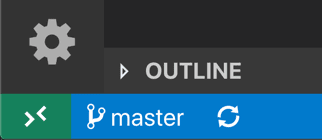
2. Click **Reopen in Container**. Alternatively, open the command prompt (CMD+SHIFT+P) and search for `Reopen in Container`.
<div data-gb-custom-block data-tag="hint" data-style="info" class="hint hint-info"><h3>Note</h3><p>It may take a few minutes until the dev container is ready for use.</p></div>
**Usage**
Once the dev container is ready, a new Visual Studio Code window opens and the content repository is available.
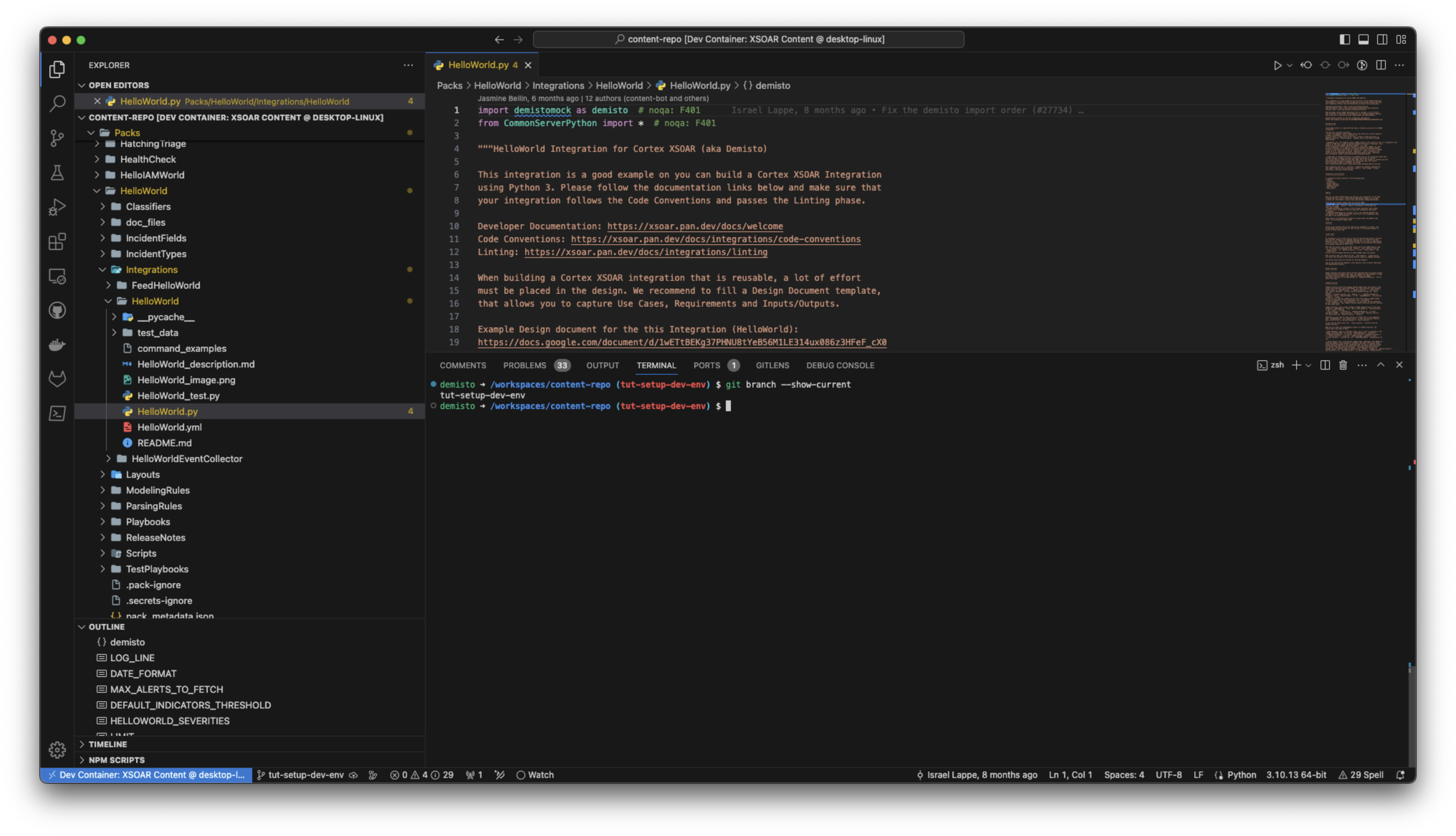
The environment contains `demisto-sdk`, `zsh`, `git`, `pyenv`, `poetry`, preinstalled system and Python dependencies, and recommended extensions, including the [Cortex XSOAR Visual Studio Code Extension](https://xsoar.pan.dev/docs/concepts/vscode-extension).
**Troubleshooting**
If there are errors when opening the dev container, try the following:
* Update Docker
* Run the following command to clean up Docker: `docker system prune -a --volumes`