Once you complete your investigation, perform one of the following actions to close a Cortex XSIAM issue:
* **Manually close an issue:** Right-click an issue and select **Change Status** → Resolved and select a resolution reason.
* **Automatically close an issue:** Run the `closeInvestigation` command in the CLI, in a script, or a playbook task. You can configure this command to run as part of a flow when automating issue investigation.
The `closeInvestigation` command supports the `closeReason` and `closeNotes` arguments. The `closeReason` argument accepts a free text value; however, if the free text value doesn't match one of the defined resolution reasons the `resolution_status` field is set to `Resolved - Other`. To see a description of the resolution reasons, see [Resolution reasons for cases and issues](../../analyze-and-resolve-cases/resolve-the-case/resolution-reasons-for-cases-and-issues).
When an issue is resolved it remains linked to a case. Once all of the issues in a case are resolved, the case is automatically closed.
### Example of using the closeInvestigation command in the CLI
In this example, the command specifies to close the issue and set values for `closeReason` and `closeNotes`.
```
!closeInvestigation closeReason="Resolved - Known Issue" closeNotes= "Mitigated"
```
### Example of using the closeInvestigation command in a playbook
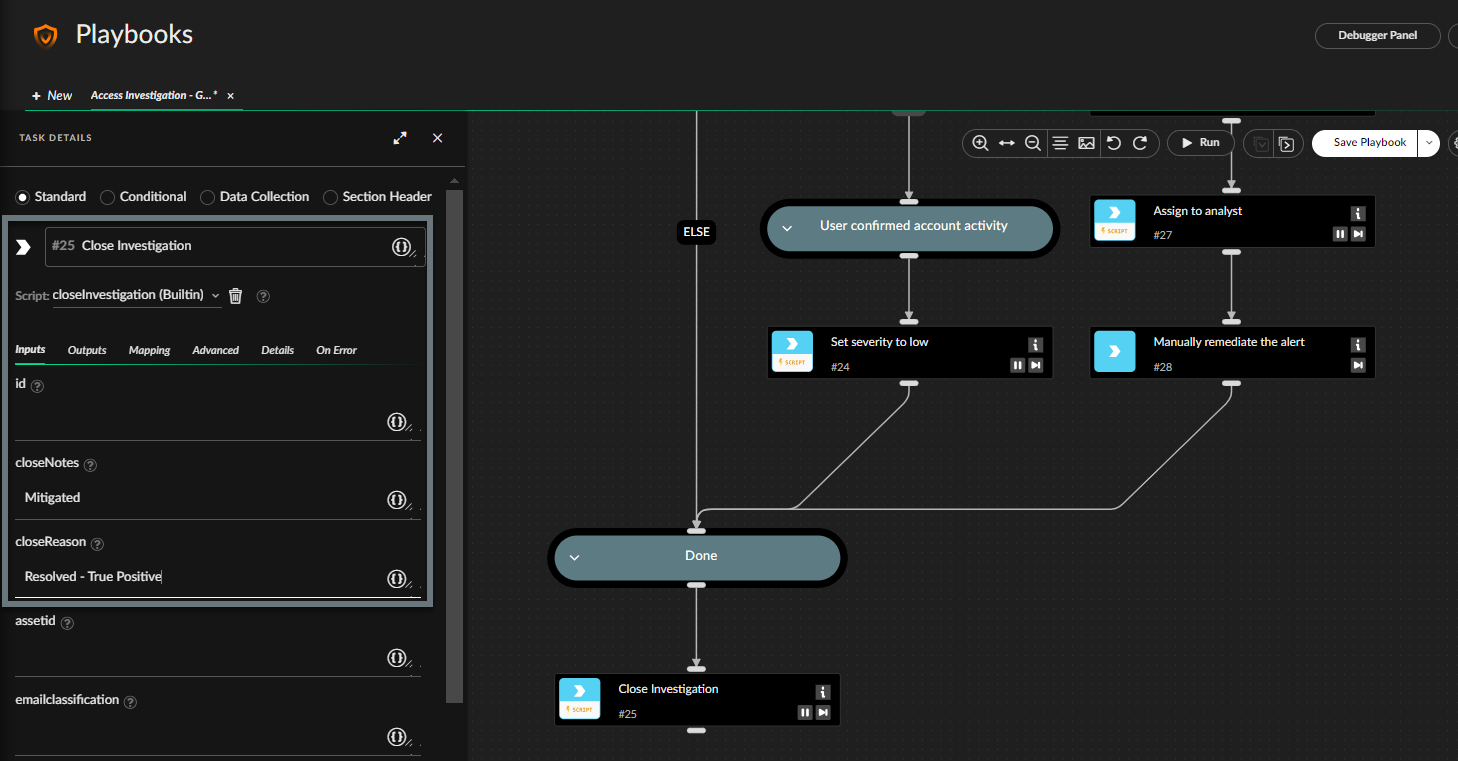
In this example, the `closeInvestigation` command is used in a playbook and values are set for `closeReason` and `closeNotes`.
### Example of using a variable in the closeReason field
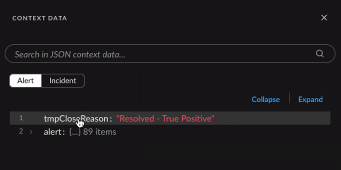
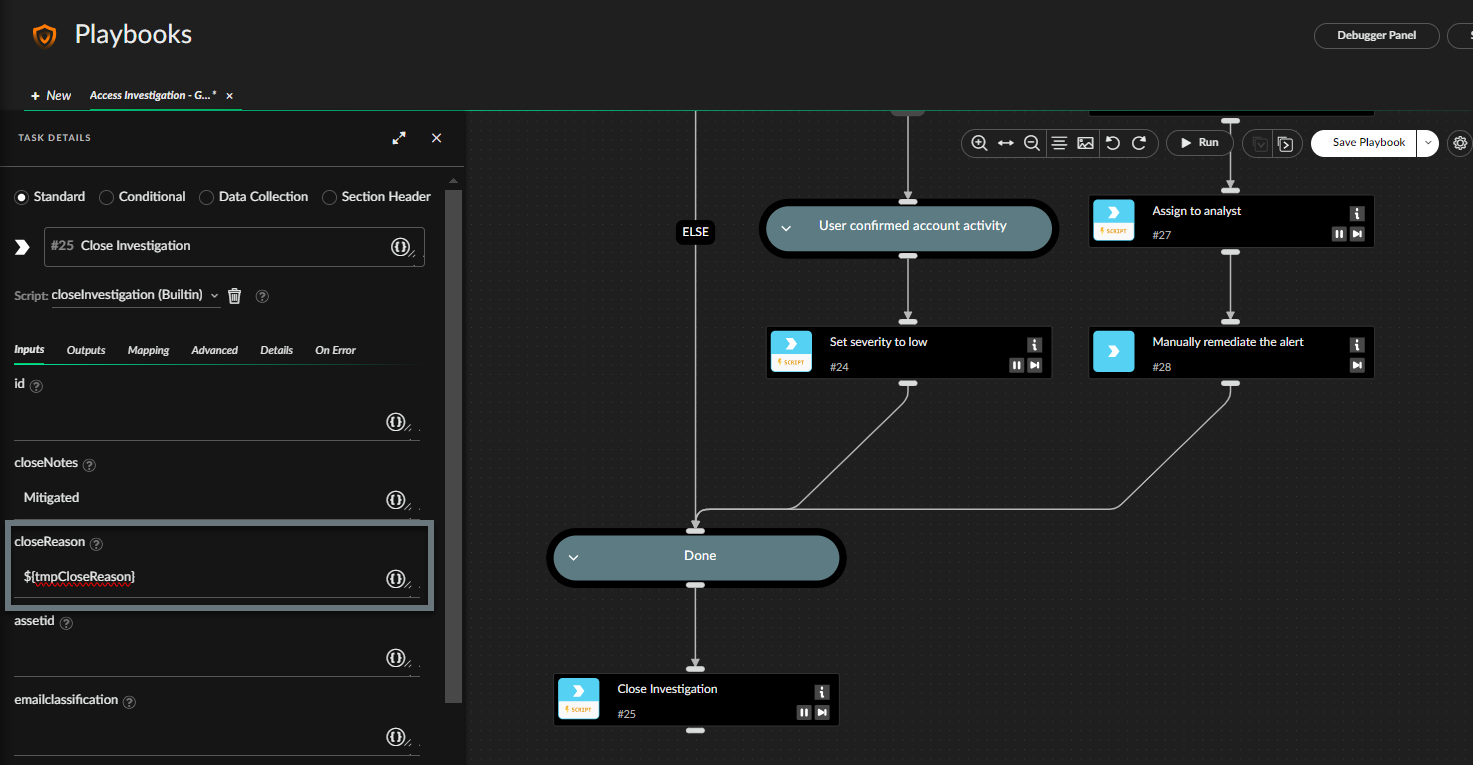
In this example the close reason field specifies the `${tmpCloseReason}` variable value. The `tmpCloseReason` key was added to the issue context data, and the value is drawn from this field.
1. Add the `tmpCloseReason` key and set the value, run the following command in the issue **War Room**:
```
!Set key=tmpCloseReason value="Resolved - True Positive"
```
2. Create a task in your playbook for the closeInvestigation command and set the closeReason field to `${tmpCloseReason}`.
When the playbook runs, it draws the value from this field in the context data: