Detection Rules ↗
Detection Rules help you identify policies that are already in place and available out-of-the-box to help you remediate configuration issues with SaaS applications. Follow the steps below to view SaaS Detection Rules.
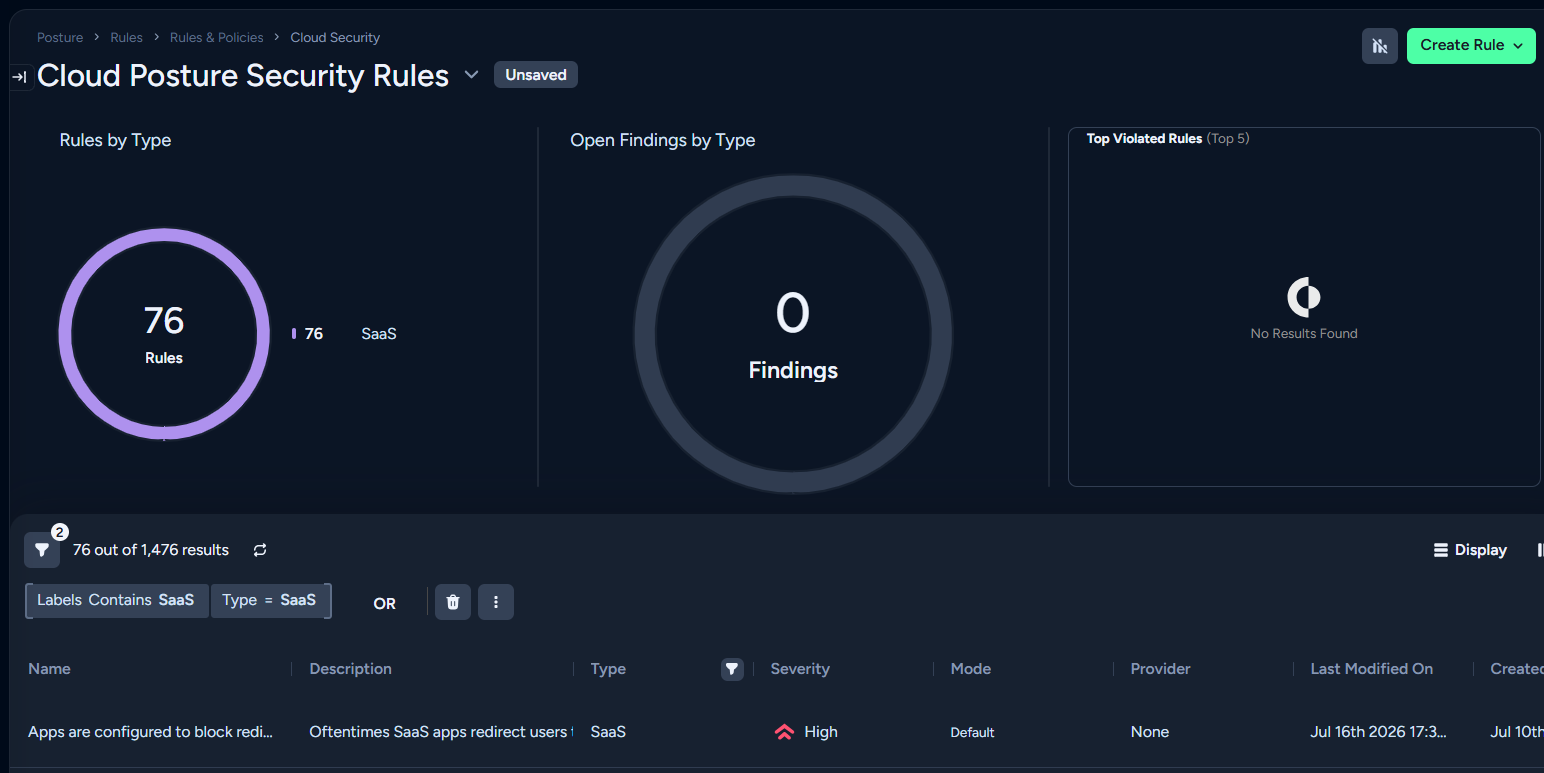
- Navigate to Modules > SaaS Security > Detection Rules. This takes you to the Cloud Posture Security Rules page.
- Here you can select SaaS or AI > Filter In to see a full list of available out-of-the-box rules.
- Select a Rule to view more details. Options include:
- Rule Details: Displays a detailed description of the Rule and outlines execution scope.
- Compliance Controls: Maps this rule's execution logic to framework controls (such as SOC 2, ISO 27001, or CIS Benchmarks) for compliance audits.